Multi-brand social media workspace

One brief. Every brand’s social campaign, ready to schedule.

Create AI images, videos and captions, organise work by client brand, and schedule posts across connected social accounts—all from one workspace.

  • AI images, videos and captions
  • Multi-brand content calendar
  • Publishing and recurring posts
  • Shared media and reusable styles

Create the campaign

Images, videos and social copy

Keep brands organised

Assets, styles and accounts together

Schedule and publish

Calendar and recurring posts

Made in Blurrb

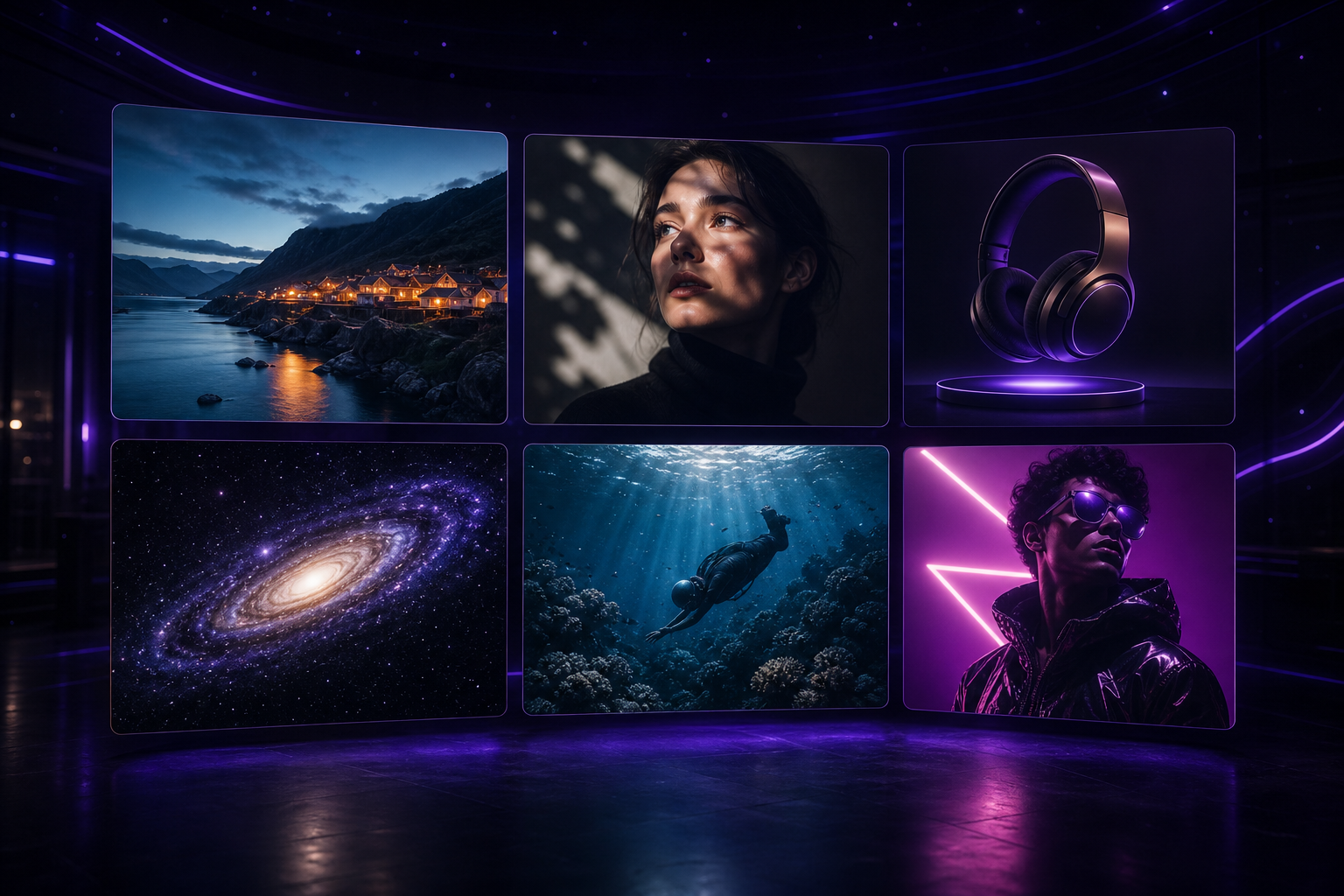
Sample creations, from one-off ideas to complete campaign worlds.

Explore visual styles
A cinematic AI-generated filmstrip with futuristic campaign scenes

Campaign film

Cinematic launch world

An editorial founder story social video concept

Social video

Editorial founder story

A premium product campaign visual

Product campaign

Luxury product direction

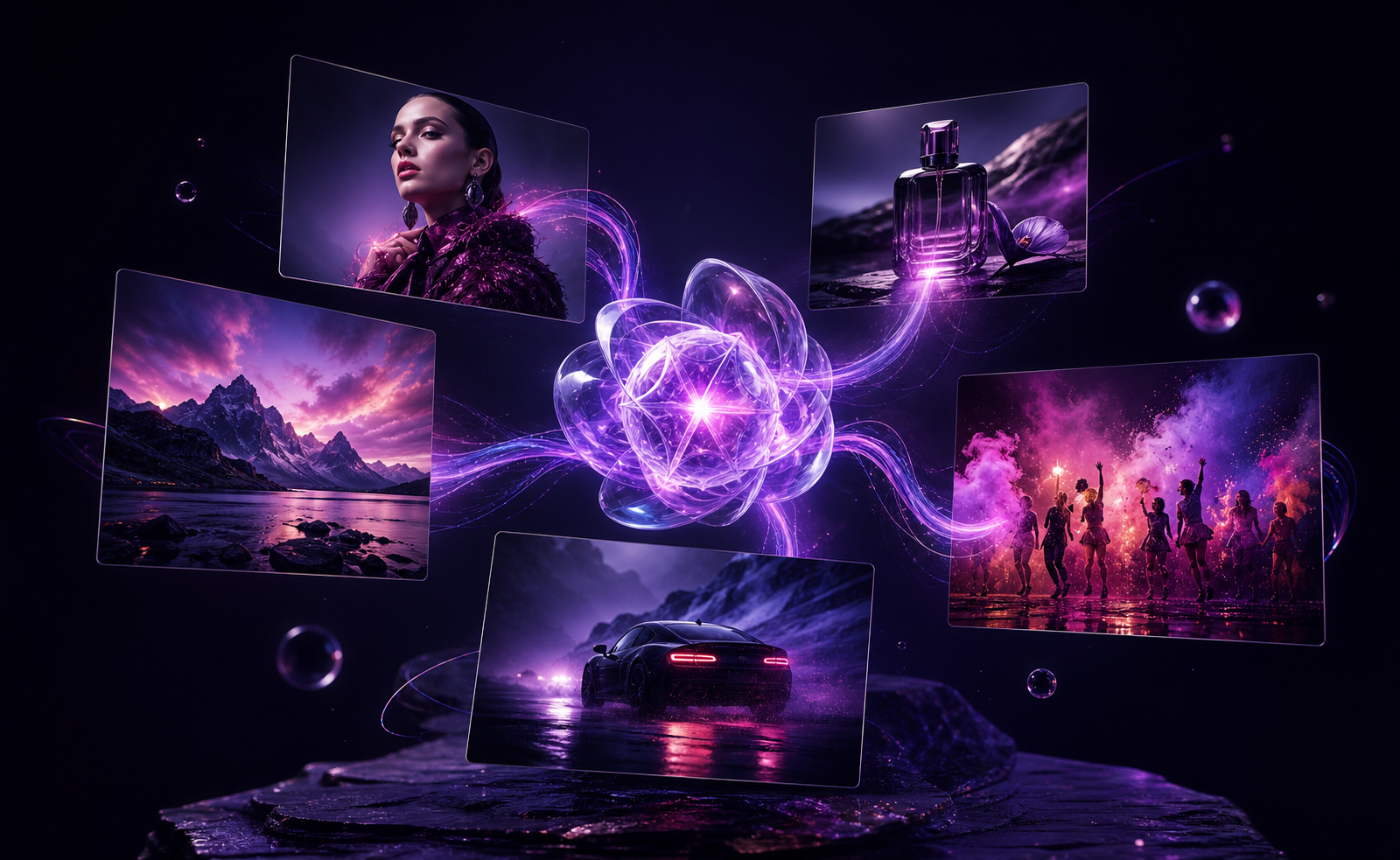
A coordinated campaign moodboard with multiple visual formats

Campaign moodboard

Connected visual system

One campaign idea expanded into several visual directions

Creative direction

One idea, many outputs

From brief to published post

A clearer workflow for every campaign.

Keep every client brand, asset and post in the right place. Blurrb connects content creation and social publishing in one repeatable process.

  1. 01

    Choose the client brand

    Keep its media, connected accounts and content work together.

  2. 02

    Start with a brief

    Add the campaign idea, offer, product note or story you want to develop.

  3. 03

    Create the content

    Generate images, videos and caption ideas, then select the versions worth using.

  4. 04

    Schedule the campaign

    Add content to the calendar and publish it to the selected connected accounts.

Multi-brand organisation

Add client brands without rebuilding your process.

Separate workspaces keep each brand’s media, visual direction, accounts and campaign calendar distinct while your team follows one consistent workflow.

Reusable brand direction

Save visual styles and references so new content starts from an established direction.

Shared campaign media

Keep uploaded and generated assets available to the people working on the brand.

Connected publishing

Select the right accounts without mixing up client destinations.

Explore the agency workflow
A coordinated set of campaign visuals created for one client brand

1 brief

campaign starting point

3 formats

image, video and copy

1 calendar

for every scheduled post

Everything around the campaign

Creation is only useful when the rest of the work stays connected.

AI content creation

Create social images, videos and copy without moving the brief between separate generation tools.

Multi-brand organisation

Switch between client brands while keeping their assets, styles and social accounts distinct.

Content calendar

See draft, scheduled, published and failed posts around active campaign work.

Shared media library

Store uploaded and generated media in one place so the team can find and reuse it.

Social publishing

Prepare a post once, select connected accounts, publish now or choose a future time.

Feeds and automations

Follow RSS sources and configure repeatable workflows for ongoing content operations.

INR pricing

Start with one brand. Add capacity as the agency grows.

Plans scale by AI credits, brands, social accounts and seats. Publishing and scheduling do not consume AI credits.

Starter

For one brand getting organised.

₹99930-day access
  • 400 AI credits
  • 1 brand and 5 social accounts
  • AI images, writing and video

Creator Pro

For a growing multi-brand workflow.

₹2,49930-day access
  • 1,200 AI credits
  • 3 brands and 10 social accounts
  • Recurring posts and faster queues
Best for small teams

Team

For small marketing teams.

₹5,99930-day access
  • 3,000 AI credits
  • 3 seats, 8 brands and 20 accounts
  • Shared library and calendar

Agency

For established client operations.

₹11,99930-day access
  • 6,500 AI credits
  • 8 seats, 20 brands and 50 accounts
  • Priority generation and reporting

AI usage varies by format, duration, resolution, model and audio. Current paid access is sold as a prepaid 30-day pass; automatic renewal is not yet enabled.

Frequently asked

The practical details.

What can agencies create with Blurrb?

Teams can create AI images, short videos and social copy, then store the assets and use them in scheduled or recurring posts.

Can I manage more than one client brand?

Yes. Paid plans include multiple brands, with higher plans adding more brands, social accounts and team seats.

Which social platforms can I connect?

The current product includes connections for Instagram, X, YouTube and Google Business. Canva is available as a creative integration. Availability can depend on the permissions granted by each platform.

How do AI credits work?

Credits are used for AI generation. The amount depends on the content type and, for video, factors such as duration, resolution, model and audio. Publishing and scheduling do not use AI credits.

Is Blurrb only for agencies?

No. Solo creators and in-house teams can use it too, but the multi-brand workspace is especially useful for agencies and teams managing several brands.

Bring the next client campaign into one workspace

Start with a brief. End with the campaign on the calendar.

Create the assets, organise them by brand and schedule the work without losing track of the client behind it.